01Connecting the Nexus to the CAN BusInline pass-through or terminated endpoint02
02Getting OnlineEthernet, power, claim in AERL Cloud03
03Quick ChecklistCommissioning summary03
AERL Nexus · LiFe² Cloud Integration
Integration GuideRev 1.0.108 November 2026
Chapter 01
Connecting the Nexus to the CAN Bus
These instructions apply to any AERL-approved CAN bus product (battery, inverter, MPPT). Once the Nexus is on the CAN bus, it finds the approved devices and handles their communications automatically: there is nothing to configure on the battery or inverter for monitoring.
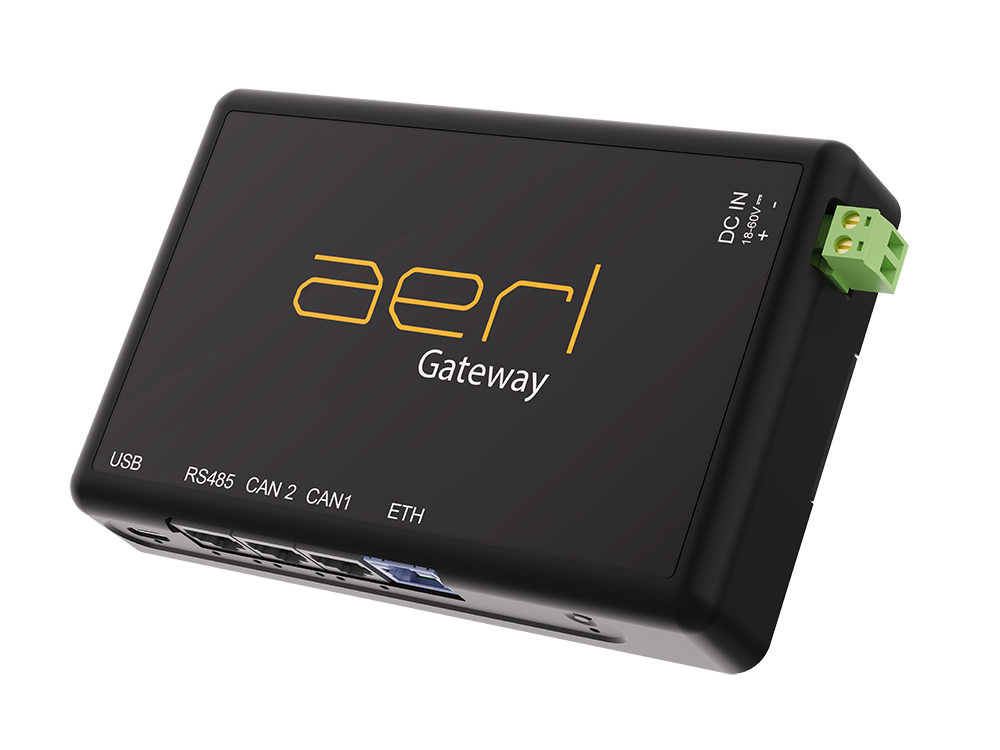
The Nexus has two CAN ports that are internally linked, so it can sit directly on the existing CAN bus between your AERL-approved products. Connect it one of two ways:
Option 1 — Inline Pass-Through (Preferred)
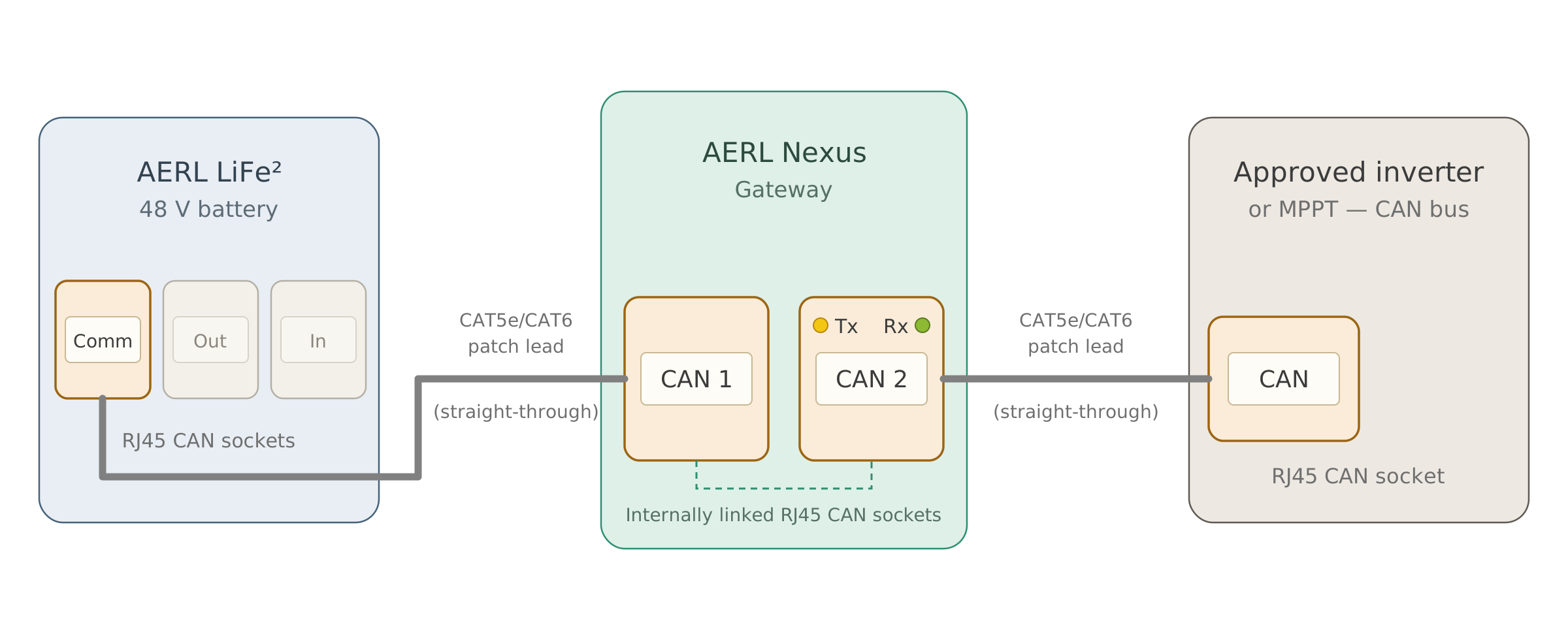
Insert the Nexus inline on the CAN bus. Because CAN 1 and CAN 2 are internally linked, existing communications keep flowing through the Nexus:
Battery → Nexus CAN 1
Nexus CAN 2 → approved inverter / MPPT
See Figure 1 for this arrangement.
Option 2 — Endpoint with Termination Plug
The Nexus has no built-in termination. If it sits at an end of the CAN bus, connect one CAN socket to the bus and fit a 120 Ω RJ45 termination plug in the other.
Figure 1 — Inline pass-through: the LiFe² battery connects to Nexus CAN 1, and the internally linked CAN 2 connects on to the approved inverter or MPPT.
AERL Nexus · LiFe² Cloud Integration
Integration GuideRev 1.0.108 November 2026
Chapter 02
Getting Online
Once the Nexus is on the CAN bus, it handles the rest. Plug in Ethernet, power it on, and claim it in AERL Cloud. For detailed AERL Cloud setup instructions, see docs.aerl.cloud.
Chapter 03
Quick Checklist
Connect the Nexus to the CAN bus either inline (CAN 1 from the battery, CAN 2 to the inverter/MPPT), or at the end of the bus with a termination plug.
Get the Nexus online and claim it in AERL Cloud — see docs.aerl.cloud.

 AERL Nexus